

How to Optimize Your HubSpot Setup for Sales, Marketing, and Customer Success
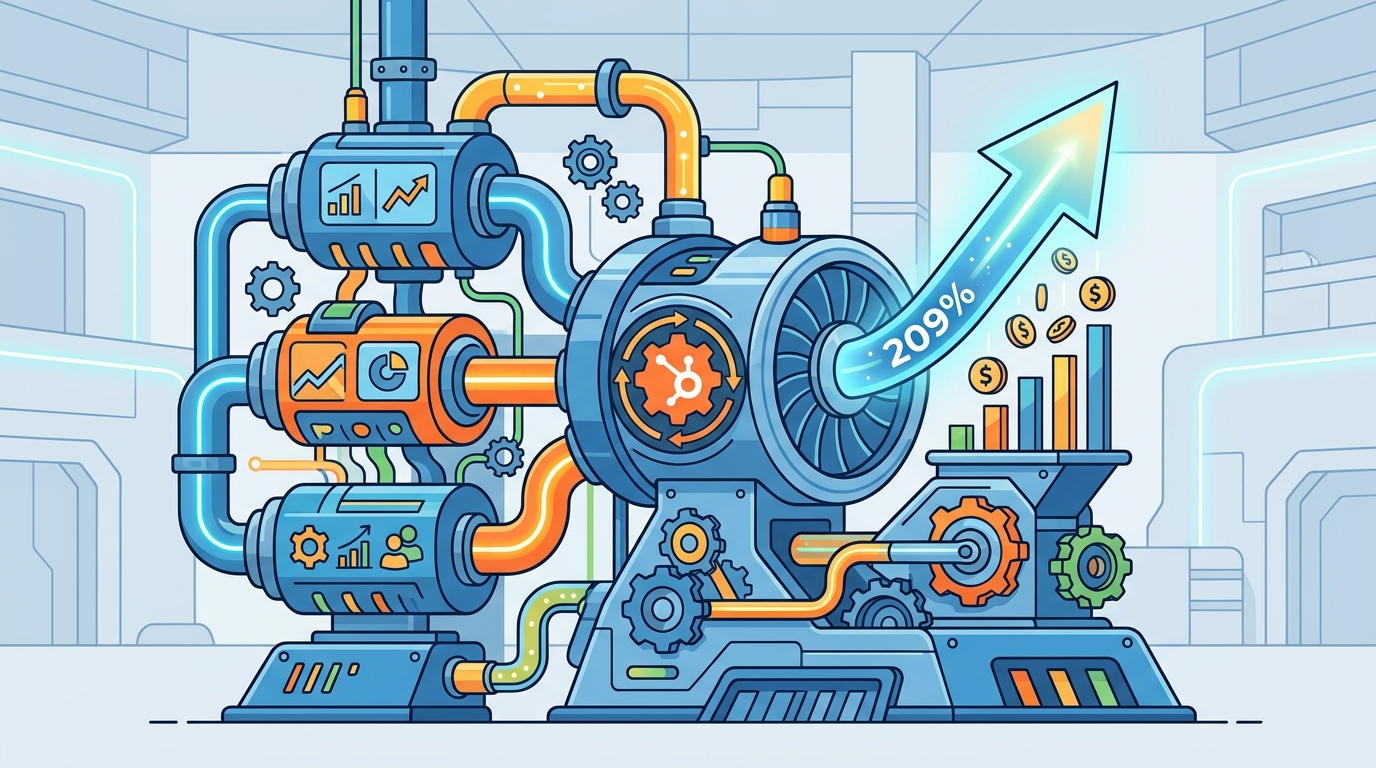
According to recent industry data, companies that effectively align their sales and marketing operations through CRM optimization see a 209% increase in marketing revenue. This statistic highlights the critical need for a unified HubSpot architecture. Many organizations treat HubSpot as a simple contact database rather than a revenue engine. This guide details the structural changes required to transform your platform into a high-performance growth tool. (Revenue Operations Agency About)
Phase 1: The Diagnostic Audit
Before implementing new features, you must understand the current state of your CRM. A common failure point is the lack of a standardized data model. CRM is a centralized database that stores all customer interactions and data. Without strict governance, this database becomes polluted with duplicates and outdated information. (Set2Close Revenue Ops Consultants)
Start by auditing your custom object structures. Are you using standard properties for complex business logic? If your sales cycle involves multiple stakeholders, you may need custom objects to track decision-making units. Set2Close recommends a full technical audit to identify redundant workflows and broken integrations. This process ensures that your foundation is solid before adding complexity. (Blog amp Resources)
Phase 2: Marketing Hub Optimization
Marketing operations often suffer from siloed execution. To fix this, you must align your content strategy with your CRM data. Marketing automation is the technology that enables marketing departments to manage campaigns across multiple channels. HubSpot’s Marketing Hub allows you to automate email sequences, landing pages, and ad tracking.
Focus on lead scoring models. Generic scoring rarely works for B2B companies. You need to build custom scoring criteria that reflect your specific buyer persona. For example, a download of a whitepaper might add five points, while a demo request adds fifty. This precision ensures that sales teams only receive high-intent leads. If you need help building these complex workflows, consider Marketing Hub Implementation services to ensure proper configuration.
Phase 3: Sales Hub Architecture
Sales teams require speed and clarity. A cluttered CRM slows down reps and reduces productivity. The Sales Hub provides tools for call logging, email tracking, and deal pipeline management. However, the value lies in the automation of administrative tasks.
Implement sequence automation for outbound prospecting. These sequences should trigger based on specific triggers, such as a website visit or a form submission. Sales automation reduces manual data entry by up to 30%. This efficiency allows your team to focus on high-value conversations. Additionally, ensure your deal stages are clearly defined. Each stage must have a mandatory next step to prevent deals from stagnating in the pipeline.
For companies transitioning from other platforms, a seamless migration is critical. Many clients choose CRM Development & Build Outs to ensure their historical data is accurately mapped to HubSpot’s native structure. This prevents data loss during the transition and maintains continuity in customer relationships.
Phase 4: Service Hub Integration
Customer success is not an afterthought. It is a revenue driver. The Service Hub connects support tickets directly to the sales and marketing context. When a support agent opens a ticket, they should see the customer’s entire history, including past purchases and recent marketing interactions.
Use service level agreements (SLAs) to manage ticket priority. This ensures that high-value customers receive faster responses. Furthermore, integrate your knowledge base with your support tickets. This reduces ticket volume by empowering customers to find answers independently. If you are looking to streamline this process, explore our Service Hub Implementation to automate ticket routing and categorization.
Phase 5: Data Hygiene and Governance
Data quality is the backbone of any successful HubSpot setup. Poor data leads to poor insights and ineffective campaigns. You must establish a governance policy that dictates who can create, edit, and delete records.
Regularly purge duplicate contacts and inactive leads. Use HubSpot’s built-in duplicate detection tools to merge records automatically. Data governance is the framework that ensures data is available, usable, and secure. Without this framework, your CRM becomes a liability rather than an asset. Set2Close advises conducting quarterly data health checks to maintain integrity.
Phase 6: Leveraging AI Agents
Artificial intelligence is reshaping how we interact with CRM data. HubSpot’s AI capabilities, including our proprietary AI Agents, offer significant advantages. AI Agents are automated software programs that perform complex tasks without human intervention. These agents can extract data, enrich profiles, and identify trends in real-time.
Meet Astro and Nebula, our specialized AI agents. Astro focuses on rapid data extraction and competitive intelligence. It builds detailed profiles of prospects in minutes. Nebula handles real-time data updates and automated enrichment. These tools ensure your data is always fresh and accurate. By integrating these agents, you reduce the manual burden on your sales team. Learn more about how AI Agents can supercharge your pipeline.
Key Takeaways
- Unified Architecture: Align Sales, Marketing, and Service Hubs to create a single source of truth for customer data.
- Custom Workflows: Generic automations fail. Build custom workflows that reflect your unique B2B sales cycle.
- Data Governance: Implement strict data entry rules to prevent CRM pollution and maintain high data quality.
- AI Integration: Utilize AI Agents like Astro and Nebula for rapid data enrichment and competitive analysis.
- Migration Strategy: When moving from Salesforce or other CRMs, use professional build-out services to ensure zero data loss.
- Lead Scoring: Develop custom lead scoring models that prioritize high-intent behaviors over generic engagement.
- Continuous Optimization: Treat your HubSpot setup as a living system that requires regular audits and updates.
Frequently Asked Questions
How long does a HubSpot optimization take?
Typically, a comprehensive optimization project ranges from 3 to 6 months. This timeline allows for proper planning, implementation, and team training. Complex migrations may require additional time.
Can I migrate from Salesforce to HubSpot seamlessly?
Yes. With careful planning and professional assistance, you can migrate all your contacts, deals, and activity history. The key is mapping your custom fields correctly to HubSpot’s native properties.
What is the difference between Marketing Hub and Sales Hub?
Marketing Hub focuses on attracting and nurturing leads through content and automation. Sales Hub focuses on closing deals through pipeline management and outreach automation. Both are essential for a complete revenue engine.
How do AI Agents improve my CRM?
AI Agents automate data entry, enrich contact profiles, and identify sales opportunities faster than manual processes. They ensure your data is always accurate and up-to-date.
What is a CRM build-out?
A CRM build-out is the process of configuring your HubSpot instance to match your specific business processes. This includes setting up objects, workflows, and integrations.
Why is data hygiene important?
Poor data leads to incorrect reporting and wasted sales effort. Regular hygiene ensures that your team is working with accurate and actionable information.
How does Set2Close help with HubSpot?
Set2Close provides fractional RevOps, AI agent integration, and full-scale implementation services. We help B2B companies scale their revenue operations efficiently.
Start Your Engine
Don’t let a poorly configured CRM hold your business back. Transform your HubSpot setup into a powerful growth engine today. Contact Set2Close to discuss your custom project needs and schedule a consultation. We are ready to help you scale.