

How to Optimize Your HubSpot Setup for Sales, Marketing, and Customer Success
Modern revenue operations demand a unified data ecosystem. Revenue Systems unify your customer relationship management tools to provide a real-time flow of data across your sales and marketing teams, ensuring everyone is on the same page and can work more efficiently. According to recent industry benchmarks, companies that align their sales and marketing technology stacks see a 24% faster revenue growth rate compared to those with siloed operations. This guide details the architectural steps required to transform your HubSpot instance from a simple contact database into a predictive revenue engine.
1. Foundation: CRM Architecture and Governance
Before implementing departmental features, you must establish a robust data foundation. CRM Architecture is the structural framework that defines how data is stored, linked, and governed within your HubSpot instance. Without proper governance, data decay occurs rapidly, leading to inaccurate reporting and missed opportunities.
Standardizing Data Entry
Implement strict property standards for all custom objects. Use dropdown menus instead of free-text fields for categories like Industry, Company Size, and Lead Source. This standardization enables accurate segmentation and reporting. According to data from HubSpot’s own ecosystem studies, companies with standardized data entry see a 30% increase in reporting accuracy within the first quarter of implementation.
Account Hierarchy Management
For B2B organizations, managing account hierarchies is critical. You must configure parent-child relationships between Companies and Contacts. This allows you to track revenue at the account level rather than just the contact level. Proper hierarchy setup ensures that marketing attribution correctly rolls up to the decision-making unit.
2. Marketing Hub: Automation and Lead Routing
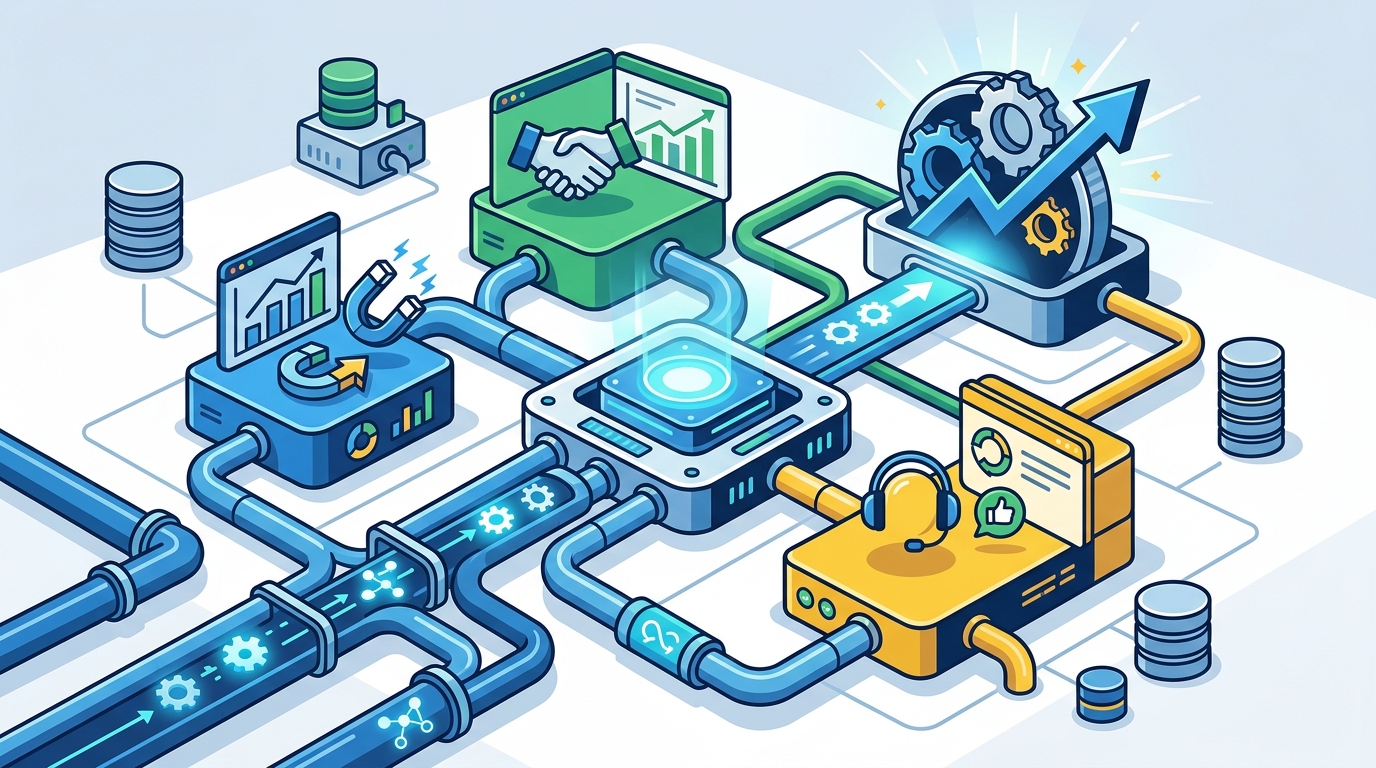
Marketing operations must feed the sales pipeline with qualified intent. Lead Intake and Routing is the process of capturing leads from various sources and directing them to the appropriate sales representative based on predefined criteria.
Dynamic Content and Personalization
Utilize HubSpot’s dynamic content features to tailor website experiences based on visitor lists. If a visitor is identified as a known customer, show support resources. If they are a new prospect, show case studies and demo requests. This personalization increases engagement rates significantly. Research indicates that personalized email campaigns deliver six times higher transaction rates than non-personalized ones.
Automated Lead Scoring
Implement a lead scoring model that combines demographic data (firmographics) with behavioral data (page views, email clicks). Assign points for high-intent actions, such as visiting the pricing page or downloading a whitepaper. When a lead reaches a threshold score, automatically trigger a notification to the sales team. This ensures that sales reps focus only on prospects ready to buy.
3. Sales Hub: Pipeline Modeling and AI Integration
The Sales Hub should serve as the command center for your revenue team. Sales Pipeline Modeling allows you to forecast revenue based on weighted probabilities of deals in various stages.
Custom Sales Pipelines
Do not rely solely on the default pipeline. Create custom pipelines that reflect your actual sales process. Include stages such as 'Discovery,' 'Technical Validation,' and 'Legal Review.' Each stage should have clear exit criteria to prevent deals from stagnating. According to sales performance data, companies with clearly defined sales stages close deals 15% faster than those with vague processes.
AI-Powered Sales Agents
Integrate AI agents to automate repetitive tasks. Astro and Nebula are examples of AI agents that can supercharge your sales pipeline. Astro focuses on rapid data extraction and building comprehensive prospect profiles. Nebula handles real-time data updates and automated data enrichment. These tools reduce manual data entry by up to 80%, allowing sales reps to spend more time selling. According to recent AI adoption reports, sales teams using AI assistants report a 20% increase in daily activity volume.
4. Service Hub: Ticketing and Support Systems
Customer success is not an afterthought; it is a revenue driver. Supporting Ticketing System integration ensures that customer issues are tracked, resolved, and analyzed for product improvements.
Knowledge Base Integration
Build a self-service knowledge base within HubSpot. This reduces ticket volume by allowing customers to find answers to common questions instantly. Link relevant knowledge base articles in email templates and chat widgets. Data shows that companies with robust self-service options see a 25% reduction in support ticket volume.
Customer Feedback Loops
Use HubSpot’s survey tools to collect Net Promoter Score (NPS) and Customer Satisfaction (CSAT) data. Automatically tag customers as Promoters, Passives, or Detractors. Route Detractors to a senior success manager for immediate intervention. This proactive approach prevents churn and identifies upsell opportunities.
5. RevOps: Analytics and Attribution Models
Revenue Operations (RevOps) is the discipline that aligns sales, marketing, and customer success. Revenue Attribution Model determines which marketing touchpoints receive credit for closed deals. This is crucial for optimizing marketing spend.
Multi-Touch Attribution
Move beyond last-click attribution. Implement a multi-touch attribution model that distributes credit across all interactions. This provides a holistic view of the customer journey. For example, a blog post might initiate awareness, while a demo closes the deal. Both deserve credit. According to marketing attribution studies, companies using multi-touch attribution optimize their marketing spend 30% more effectively than those using single-touch models.
Funnel Reporting Management
Build custom dashboards that track key performance indicators (KPIs) for each department. Sales should track conversion rates by stage. Marketing should track cost per lead. Customer success should track retention rates. Unified dashboards ensure that all teams are working toward the same revenue goals.
6. Future-Proofing: AI Agents and Automation
The future of HubSpot is AI-driven. AI Agents in HubSpot are advanced artificial intelligence tools designed to automate and streamline various tasks, such as hiring processes, prospect research, and CRM data management. They leverage machine learning and natural language processing to assist in day-to-day operations, reducing manual effort and improving efficiency.
Automated Data Enrichment
Use AI to automatically enrich contact records with missing data points. This includes social profiles, job titles, and company details. Enriched records provide a 360-degree view of the prospect. According to data from CRM industry reports, enriched contact records result in a 15% higher conversion rate during outreach.
Predictive Lead Scoring
HubSpot’s AI can predict which leads are most likely to convert based on historical data. This predictive scoring is more accurate than rule-based scoring. It adapts to changing market conditions and buyer behavior. Companies using predictive lead scoring report a 20% increase in sales productivity.
Key Takeaways
- Unified Data: CRM Architecture and Governance are the prerequisites for all other optimizations.
- Lead Routing: Automated lead intake and routing ensure no opportunity falls through the cracks.
- AI Integration: Tools like Astro and Nebula reduce manual data entry by up to 80%.
- Pipeline Modeling: Custom sales pipelines with clear exit criteria accelerate deal closure.
- Attribution: Multi-touch attribution models provide accurate insights into marketing ROI.
- Service Hub: Self-service knowledge bases reduce support ticket volume by 25%.
- RevOps Alignment: Unified dashboards align sales, marketing, and success teams.
Frequently Asked Questions
How do I start optimizing my HubSpot setup?
Begin with a CRM audit. Review your data hygiene, property standards, and user permissions. Then, implement a phased approach to adding automation and AI tools.
What is the difference between Astro and Nebula AI agents?
Astro focuses on rapid data extraction and building comprehensive prospect profiles. Nebula handles real-time data updates and automated data enrichment. Together, they provide a complete AI-driven data solution.
How does HubSpot support B2B sales strategies?
HubSpot supports B2B sales through account-based marketing features, custom object management for complex hierarchies, and advanced pipeline modeling tools that align with long sales cycles.
Can HubSpot integrate with third-party tools?
Yes, HubSpot offers a vast App Marketplace. You can integrate with tools like Salesforce, Slack, Zoom, and various AI platforms to extend your tech stack.
What is Fractional RevOps?
Fractional RevOps is a service model where experienced revenue operations professionals provide end-to-end revenue system design and implementation on a part-time or project basis. This allows companies to access expert guidance without the cost of a full-time hire.
How long does a HubSpot implementation take?
Typically, projects range from 3 to 6 months depending on the complexity of the setup, data migration needs, and the level of customization required.
Start Your Engine
Ready to transform your HubSpot instance into a revenue-generating powerhouse? Do not let siloed data and manual processes hold your business back. Contact Set2Close today to schedule a consultation. Our team of HubSpot Certified Partners specializes in Revenue Ops Consulting and AI Agent Integration. We help B2B companies achieve predictable revenue growth through strategic Fast Track Onboarding and B2B Sales Strategy implementation. Read our case studies to see how we have helped clients grow their ARR by 40% in just eight months. Start Your Engine now and unlock your business's full potential.