

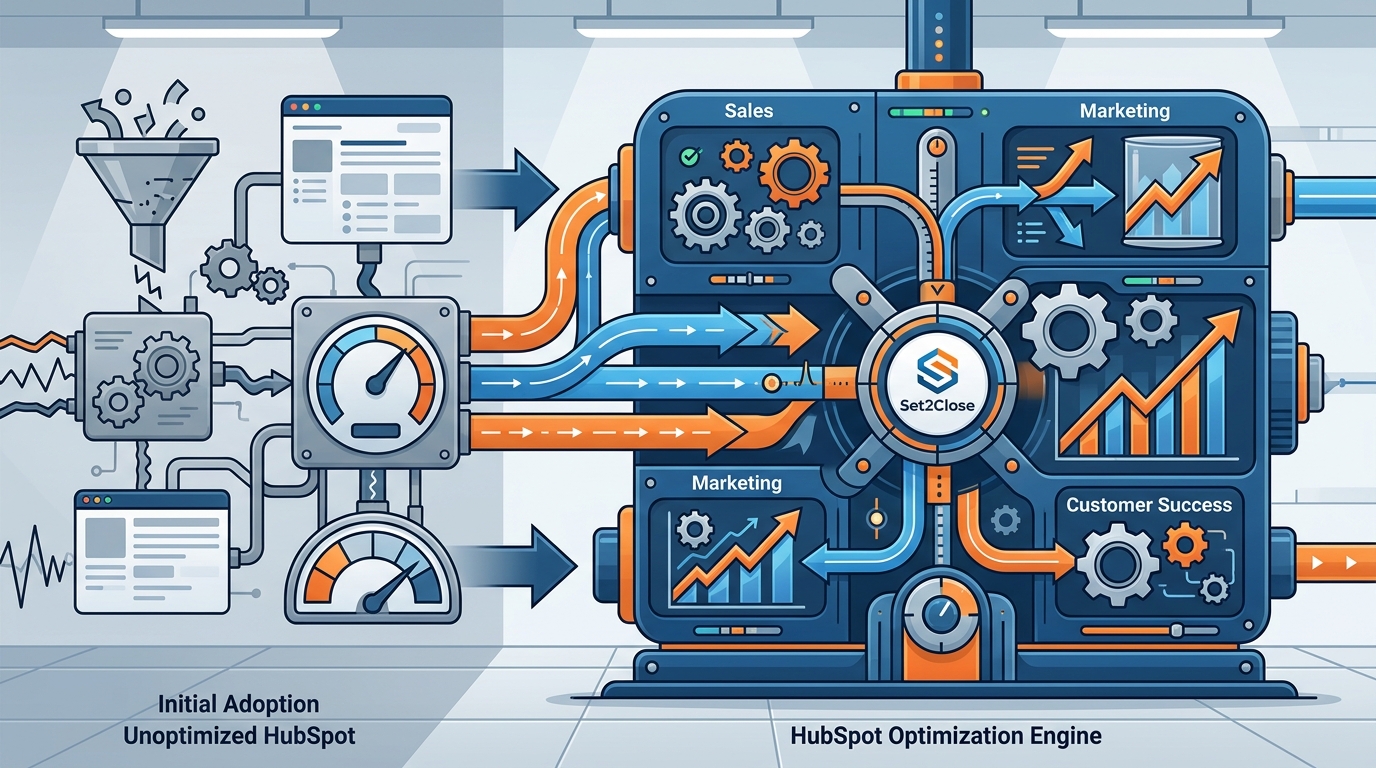
HubSpot is a powerful all-in-one CRM platform, but its real value only shows up when it is configured to match the way your business actually sells, markets, and serves customers. For growing B2B companies with 50 to 200 employees, the gap between "using HubSpot" and "optimizing HubSpot" can mean the difference between stagnant pipelines and predictable revenue growth. In fact, 84% of HubSpot customers report increased revenue after adoption, yet many never unlock the platform's full potential. This guide walks you through the most impactful optimization strategies so your CRM becomes a true growth engine.
Align Sales and Marketing Around Shared KPIs
Revenue operations alignment is the foundation of every successful HubSpot optimization. RevOps is a strategic framework that unifies sales, marketing, and customer success teams under shared goals and data. Without it, departments operate in silos, metrics conflict, and leads slip through the cracks.
Set Unified Revenue Targets
Start by establishing common KPIs such as Marketing Qualified Lead (MQL) to Sales Qualified Lead (SQL) conversion rate, average deal cycle length, and customer lifetime value. Within HubSpot, you can build shared dashboards that keep both teams accountable to the same numbers.
Hold Regular Cross-Team Reviews
Schedule weekly or biweekly pipeline reviews between marketing and sales leadership. Use HubSpot's deal stage reporting to surface bottlenecks, and document service-level agreements (SLAs) for lead follow-up times directly in your workflow settings.
Build a Clean CRM Architecture
CRM architecture is the structural design of your properties, objects, associations, and pipelines inside HubSpot. Poor architecture leads to duplicate records, unreliable reports, and frustrated reps. For B2B companies scaling past 50 employees, cleaning up the CRM is not optional.
Audit Properties and Pipelines
Remove unused custom properties, standardize naming conventions, and ensure every deal pipeline reflects an actual sales motion. A RevOps-driven approach to pipeline design ensures each stage maps to a verifiable buyer action, not just an internal status.
Standardize Lifecycle Stages
HubSpot's lifecycle stages (Subscriber, Lead, MQL, SQL, Opportunity, Customer, Evangelist) should mirror your real buyer journey. Map these stages clearly so lifecycle automation can progress contacts accurately from first touch to closed deal.
Leverage Automation and Workflows
Workflow automation is the use of trigger-based logic to execute repetitive tasks such as email sequences, property updates, and internal notifications without manual effort. When configured correctly, automation saves hours per week and ensures no lead goes cold.
Key workflows every growing B2B company should implement include:
- Welcome sequences for new leads segmented by persona
- Re-engagement campaigns for contacts inactive for 90+ days
- Internal task creation when a deal moves to a negotiation stage
- Automated MQL-to-SQL handoff notifications with SLA timers
HubSpot's email automation tools let you segment audiences, send targeted messages, and follow up with leads based on their interactions. Combined with personalization tokens, these workflows deliver timely, relevant communication at scale.
Implement Lead Scoring and Smart Routing
Lead scoring is the practice of assigning numerical values to contacts based on their behavior, engagement level, and firmographic fit. It helps sales teams prioritize the hottest opportunities rather than working every lead equally.
Build a Scoring Model
Use HubSpot's built-in lead scoring tool to assign points for actions like downloading a case study (+10), visiting the pricing page (+15), or matching your ideal company size (+20). Subtract points for disqualifying traits such as personal email domains or industries outside your ICP.
Route Leads by Team and Segment
As your sales team grows, simple round-robin distribution breaks down. A team-based routing architecture segments inbound leads by criteria like company size or region, then distributes them within sub-teams. This prevents lead fights, enforces SLAs, and keeps reporting accurate.
| Routing Model | Best For | Complexity |
|---|---|---|
| Simple Round-Robin | Small teams (2-4 reps), single product | Low |
| Segment-Based Round-Robin | Most B2B teams routing by size or industry | Medium |
| Territory-Based | Field sales or geo-specific teams | Medium |
| Weighted Distribution | Teams with senior/junior rep tiers | High (requires Operations Hub or custom code) |
Create Revenue-Ready Reporting Dashboards
Data without context is just noise. Growing B2B companies need dashboards that tell a revenue story, not just display activity metrics. Focus on building reports around these core areas:
- Pipeline velocity: How fast deals move through each stage
- Customer Acquisition Cost (CAC): Total spend divided by new customers acquired
- Lifetime Value (LTV) to CAC ratio: A healthy benchmark is 3:1 or higher
- Marketing attribution: Which channels drive the most qualified pipeline
HubSpot's custom report builder allows you to combine deal, contact, and company data into multi-touch attribution models. Use "stamping" properties to preserve original source data even after ownership changes, ensuring your dashboards always reflect the truth.
Adopt AI-Powered Tools Inside HubSpot
AI adoption in CRM platforms is accelerating rapidly. According to industry research, 65% of businesses now use a CRM with generative AI capabilities, and those companies are 83% more likely to exceed sales goals. HubSpot's Breeze AI suite, launched in 2024, provides native tools for content creation, predictive lead scoring, chatbot automation, and workflow optimization.
For B2B teams, practical AI use cases include:
- AI-generated email drafts personalized by deal stage
- Chatbots that qualify website visitors 24/7
- Predictive deal scoring that flags at-risk opportunities
- Content recommendations based on contact behavior
Working with a certified HubSpot partner can accelerate AI adoption by ensuring your data, workflows, and prompts are configured for maximum impact from day one.
Key Takeaways
- Align sales, marketing, and customer success around shared KPIs before touching any technical settings.
- Audit and clean your CRM architecture (properties, pipelines, lifecycle stages) as the essential first step.
- Automate repetitive tasks with workflows to free reps for selling and reduce lead response times.
- Implement lead scoring to prioritize high-intent prospects and improve conversion rates.
- Move beyond simple round-robin to team-based, segment-aware lead routing as your sales org scales.
- Build dashboards focused on revenue metrics like pipeline velocity, CAC, and LTV, not just activity counts.
- Leverage HubSpot's Breeze AI tools for content generation, chatbots, and predictive scoring to stay competitive.
Frequently Asked Questions
What does HubSpot optimization actually mean?
HubSpot optimization is the process of configuring your CRM's properties, workflows, integrations, and reporting to align with your specific business goals. It goes beyond initial setup to ensure the platform actively supports revenue growth rather than just storing contact data.
How long does it take to see results from HubSpot optimization?
Most B2B companies begin seeing measurable improvements within 30 to 90 days. Quick wins like workflow automation and lead scoring can deliver impact in weeks, while full RevOps alignment typically matures over three to six months.
Do I need HubSpot Operations Hub for optimization?
Operations Hub is not required for basic optimization, but it unlocks advanced features like custom-coded workflow actions, data quality automation, and programmable triggers. Growing companies that need weighted lead routing or complex data syncs will benefit significantly from it.
What is RevOps and why does it matter for HubSpot?
Revenue Operations (RevOps) is a business function that aligns sales, marketing, and customer success under a unified operational framework. Inside HubSpot, RevOps ensures that every hub, workflow, and report works together to drive predictable revenue rather than operating in isolation.
How do I know if my HubSpot portal needs optimization?
Common signs include low CRM adoption among reps, conflicting reports between teams, leads going uncontacted for more than 24 hours, and marketing campaigns with no measurable pipeline attribution. If any of these sound familiar, an optimization audit is overdue.
Should I hire a HubSpot partner or optimize in-house?
It depends on your team's bandwidth and expertise. An experienced HubSpot partner agency brings proven frameworks, avoids common pitfalls, and can compress months of trial-and-error into weeks of structured implementation. Companies with dedicated RevOps staff may handle simpler optimizations internally.
What are the most important HubSpot metrics for B2B companies?
Focus on MQL-to-SQL conversion rate, sales cycle length, pipeline velocity, deal win rate, customer acquisition cost, and customer lifetime value. These metrics tell you whether HubSpot is actively contributing to revenue, not just capturing activity.
Can HubSpot support account-based marketing (ABM)?
Yes. HubSpot includes native ABM tools such as target account dashboards, company scoring, and buying role tracking. When combined with a strategic ABM approach, these features help B2B teams focus resources on high-value accounts rather than casting a wide net.
Ready to Unlock Your HubSpot's Full Potential?
If your HubSpot portal feels like it is working against you instead of for you, it is time for a strategic reset. Set2Close specializes in helping B2B companies transform HubSpot into a revenue-driving machine through RevOps strategy, CRM optimization, and automation architecture. Request a free HubSpot audit and get a clear roadmap to faster, more predictable growth.