

Scaling businesses don't just need a CRM—they need a CRM development partner that anticipates the friction points of growth before they become bottlenecks. Whether you offer custom CRM builds, platform implementations, or managed CRM services, the bar for quality has risen sharply. The global CRM market is projected to reach $126.2 billion in 2026, and businesses that invest in CRM see conversion rate increases of up to 300%. If your CRM development services can't keep pace with that demand, your clients will find someone who can.
This guide breaks down the specific, actionable improvements you can make to your CRM development practice—from architecture decisions and AI integration to onboarding strategy and post-launch support—so that every solution you deliver is built to scale.
Why Scaling Businesses Demand More from CRM Development
A CRM that works for a 10-person sales team often collapses at 100 users. The reason is rarely the technology itself—it's the way it was built and deployed. Roughly 70% of CRM projects fail to meet their goals, largely due to cross-functional misalignment between sales and marketing departments rather than software defects. For CRM developers, this means the service layer matters as much as the code.
Scaling businesses face a specific cluster of challenges:
- Data volume surges — Customer records, interaction logs, and pipeline data multiply exponentially as companies grow.
- Multi-department adoption — What started as a sales tool must serve marketing, customer success, finance, and operations.
- Integration sprawl — ERP systems, marketing automation platforms, billing tools, and customer service apps all need to connect cleanly.
- Regulatory complexity — New EU regulations coming into full effect in 2026 mandate that 90% of listed companies must provide verifiable ESG data, adding compliance pressure on CRM platforms.
If your CRM development services only solve the initial deployment problem, you're leaving your clients exposed to all of these scaling risks.
1. Architect for Scalability from Day One
Scalable CRM design is an architectural strategy, not an afterthought. The most common mistake CRM developers make is building for today's user count and data volume, then scrambling when the client doubles in size.
Use Modular, API-Led Architecture
A modular design enhances scalability by dividing the system into independent, self-contained components. This means businesses can add, update, or swap out specific features without affecting the entire system. Think of it like building with interchangeable blocks—each module (contacts, pipeline, reporting, automation) can evolve independently.
Pair this with API-led connectivity. Use well-documented, versioned APIs with rate limiting, authentication, and contract testing to maintain integration hygiene as systems evolve. This approach ensures your CRM can communicate with any tool in your client's stack without creating brittle, hard-coded dependencies.
Plan for Real-Time Data Synchronization
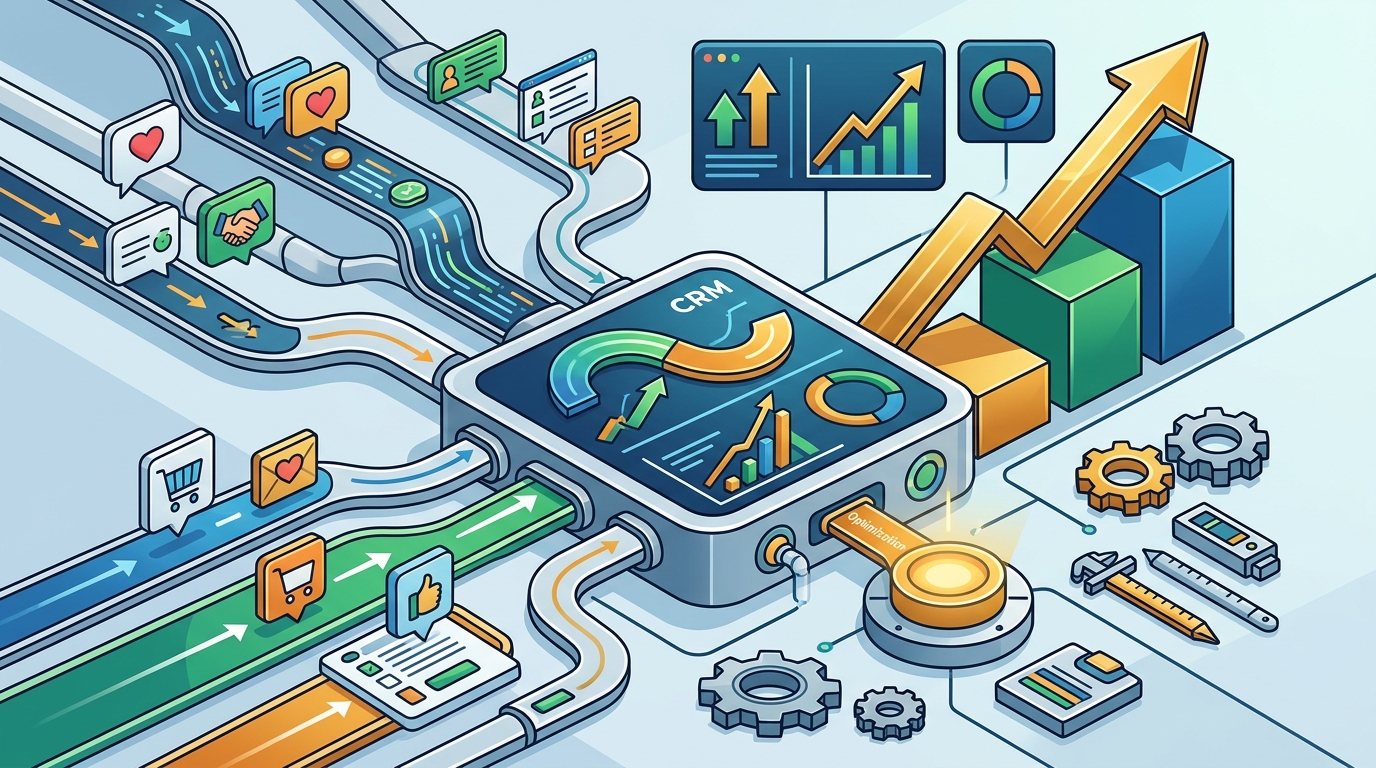
Critical data—such as inventory changes, support tickets, or deal-stage updates—should sync in real time via event-driven architecture or streaming pipelines. When a sales rep updates a customer record in the CRM, that change should instantly reflect in accounting, marketing, and support applications. Batch processing is no longer acceptable for scaling organizations.
Choose Cloud-Native Infrastructure
Around 87% of companies now use cloud-based CRM platforms for better accessibility and flexibility. If you're still delivering on-premise CRM solutions, you're limiting your clients' ability to scale elastically. Cloud-native deployments allow infrastructure to expand with demand, support distributed teams, and reduce maintenance overhead.
2. Embed AI as a Core Capability, Not an Add-On
AI in CRM has moved from novelty to necessity. The AI-in-CRM market was worth $11.04 billion in 2025 and is projected to reach $48.4 billion by 2033. Businesses using AI within their CRM are 83% more likely to exceed sales goals. If your CRM development services don't include AI-powered features, you're shipping an incomplete product.
Practical AI Features to Build In
- Predictive lead scoring — Automatically rank prospects by conversion likelihood so sales teams focus on high-value opportunities.
- Intelligent forecasting — AI enhances sales forecast accuracy by over 40%, giving leadership reliable revenue projections.
- Automated follow-up recommendations — Suggest optimal timing and messaging for outreach based on historical interaction patterns.
- AI chatbots for customer service — These improve response times by 40% and offer 24/7 support, which scaling businesses desperately need.
- Customer segmentation — Use machine learning to dynamically group customers by behavior, value, or churn risk.
The key is to embed these capabilities natively rather than bolting them on later. When AI is woven into the CRM's data model from the start, it produces better results and requires less retrofitting.
3. Prioritize Integration Depth Over Feature Breadth
Scaling businesses don't operate in a vacuum. Their CRM must integrate seamlessly with existing business tools—ERP systems, marketing platforms, accounting software, e-commerce systems, and customer service tools. This creates a centralized ecosystem that streamlines workflows across departments.
Integration Best Practices for CRM Developers
- Map the client's full tech stack before building. Understand every system that will touch the CRM—don't discover integrations after launch.
- Use iPaaS (Integration Platform as a Service) where appropriate. Set clear integration goals, choose providers with scalable platforms, and start with high-priority processes before expanding gradually.
- Build bidirectional sync. One-way data pushes create information gaps. Every integration should support two-way data flow.
- Test under load. An integration that works with 1,000 records may fail at 100,000. Stress-test every connection point.
- Document everything. API documentation, data mapping schemas, and sync schedules should be deliverables, not internal notes.
4. Solve the Adoption Problem Before It Starts
The best-architected CRM is worthless if nobody uses it. Only 4 in 10 businesses can use their CRM software to nearly its full potential. Adoption is the single biggest predictor of CRM ROI, and it's an area where most CRM developers fall short because they treat it as the client's problem.
Build Adoption Into Your Service Model
- Role-based training programs — Sales, marketing, and support teams all use CRM differently. Provide structured onboarding tailored to each role's workflows and daily tasks.
- Simplified interfaces — Clean dashboards, intuitive navigation, and minimal training requirements make CRM accessible for businesses of all sizes. Don't ship complexity your users didn't ask for.
- Feedback loops — Regular input from frontline sales teams is invaluable. Their insights identify solution gaps and drive enhancements that increase long-term usage.
- Gamification and peer mentorship — These encourage sustained engagement and make the CRM feel like a tool rather than a mandate.
Consider offering a 90-day adoption guarantee as part of your service package. Track login rates, data entry consistency, and feature utilization—then intervene proactively when metrics dip.
5. Automate Workflows That Scale With the Business
Automation is the backbone of productivity in scaling businesses. CRM platforms should automate repetitive actions such as lead assignment, follow-ups, ticket escalation, onboarding sequences, and renewal reminders. This reduces human error and frees teams to focus on high-value work.
Automation Tiers to Offer Clients
| Tier | Examples | Best For |
|---|---|---|
| Basic | Auto-assign leads by territory, send welcome emails, log activities | Startups, small teams |
| Intermediate | Multi-step nurture sequences, deal-stage triggers, SLA alerts | Growth-stage companies |
| Advanced | AI-driven routing, predictive churn alerts, cross-sell triggers, approval chains | Enterprise and multi-division orgs |
When you package automation into tiers, clients can start simple and expand as they grow—without requiring a full rebuild. This modular approach mirrors the scalable architecture you should already be building.
6. Deliver Custom Pipelines That Reflect Real Workflows
Unlike product sales, service pipelines often include consultations, proposals, approvals, delivery stages, and renewals. CRM for service companies must provide customizable pipelines that reflect real service workflows, improving forecasting accuracy and deal visibility.
If you're delivering cookie-cutter pipelines, you're forcing your clients to adapt to your system instead of the other way around. Spend time mapping each client's actual sales process—including edge cases, approval hierarchies, and handoff points—before configuring a single pipeline stage.
7. Make Data Migration a First-Class Service
Data migration is where many CRM implementations fail silently. Dirty data, inconsistent field mapping, and lost records undermine trust in the new system from day one.
Data Migration Checklist
- Audit existing data sources and identify duplicates, outdated records, and formatting inconsistencies
- Standardize field names and data types before migration
- Run a pilot migration with a subset of records and validate accuracy
- Build rollback procedures in case of critical errors
- Verify data integrity post-migration with automated comparison reports
Clean contacts, standardize fields, and remove outdated records before moving data. A structured migration ensures the CRM starts with accurate and usable information—which directly impacts user trust and adoption.
8. Measure What Matters and Report on It
Define measurable KPIs from day one—response time, conversion rates, retention, SLA compliance, and upsell revenue. Then build dashboards that surface these metrics automatically.
Your clients should never have to ask how the CRM is performing. Proactive reporting is a differentiator that separates premium CRM development services from commodity providers. Consider including quarterly CRM health reviews as part of your ongoing service.
Key metrics to track:
- User adoption rate — Percentage of team members actively using the CRM weekly
- Pipeline velocity — Average time from lead creation to closed deal
- Data hygiene score — Percentage of records with complete, standardized information
- Integration uptime — Availability of connected systems and sync success rates
- Customer retention impact — CRM use boosts customer retention by 27%, so measure it
Key Takeaways
- Scalable CRM architecture—modular, API-led, cloud-native—must be a non-negotiable foundation of every build.
- AI features like predictive scoring, intelligent forecasting, and automated recommendations are no longer optional; 83% of companies already use AI in their CRM.
- Integration depth beats feature breadth. Map your client's full tech stack and build bidirectional, real-time connections.
- Adoption determines success. Build role-based training, simplified UIs, and feedback loops directly into your service model.
- Data migration deserves the same rigor as development. Dirty data kills CRM trust faster than any bug.
- Measure CRM health continuously—adoption rates, pipeline velocity, data hygiene, and retention impact—and report proactively.
Frequently Asked Questions
What are the most important features of a scalable CRM?
The most important features include customizable data structures, process automation, real-time integrations with ERP and marketing tools, mobile accessibility, AI-powered analytics, and scalable cloud infrastructure that handles increasing data and users without performance degradation.
Why do so many CRM implementations fail?
Research indicates that roughly 70% of CRM projects fail to meet their goals, primarily due to poor user adoption, cross-functional misalignment between sales and marketing, and lack of integration with other tools—not because of the software itself.
How does AI improve CRM performance for growing companies?
AI enhances sales forecast accuracy by over 40%, improves customer retention by 15% through hyper-personalization, and makes businesses 83% more likely to exceed sales goals. AI chatbots also improve customer service response times by 40%.
What should I look for in a CRM development services provider?
Look for providers who offer strategic consulting alongside development, build with modular and API-first architecture, include data migration and adoption support as core services, and provide ongoing optimization and reporting after launch.
How can Set2Close help with CRM development for scaling businesses?
Set2Close specializes in building CRM solutions that align with your revenue operations strategy. From architecture planning and AI integration to adoption programs and ongoing optimization, Set2Close delivers CRM systems designed to scale with your business—not hold it back.